What’s new in 0.3.0Custom-area capture, avatar tracking, and Daylight Spirits

Record your screen.Stay present without being on camera.

PiP Studio brings full-display and custom-area recording, a transparent avatar, an always-on-top camera overlay, and reusable gesture scenes into one focused Windows workflow.

PiP Studio avatar responding to body movement
01
Full or custom areaBright selection and review before save
02
Responsive avatarsFace and body motion tracking
03
Gesture scenesThree reusable Daylight Spirit presets
04
Camera overlayMove and resize it anywhere

One simple workflow for recording and presenting

Choose a display, mix system and microphone audio, and keep a camera overlay on top without juggling several tools.

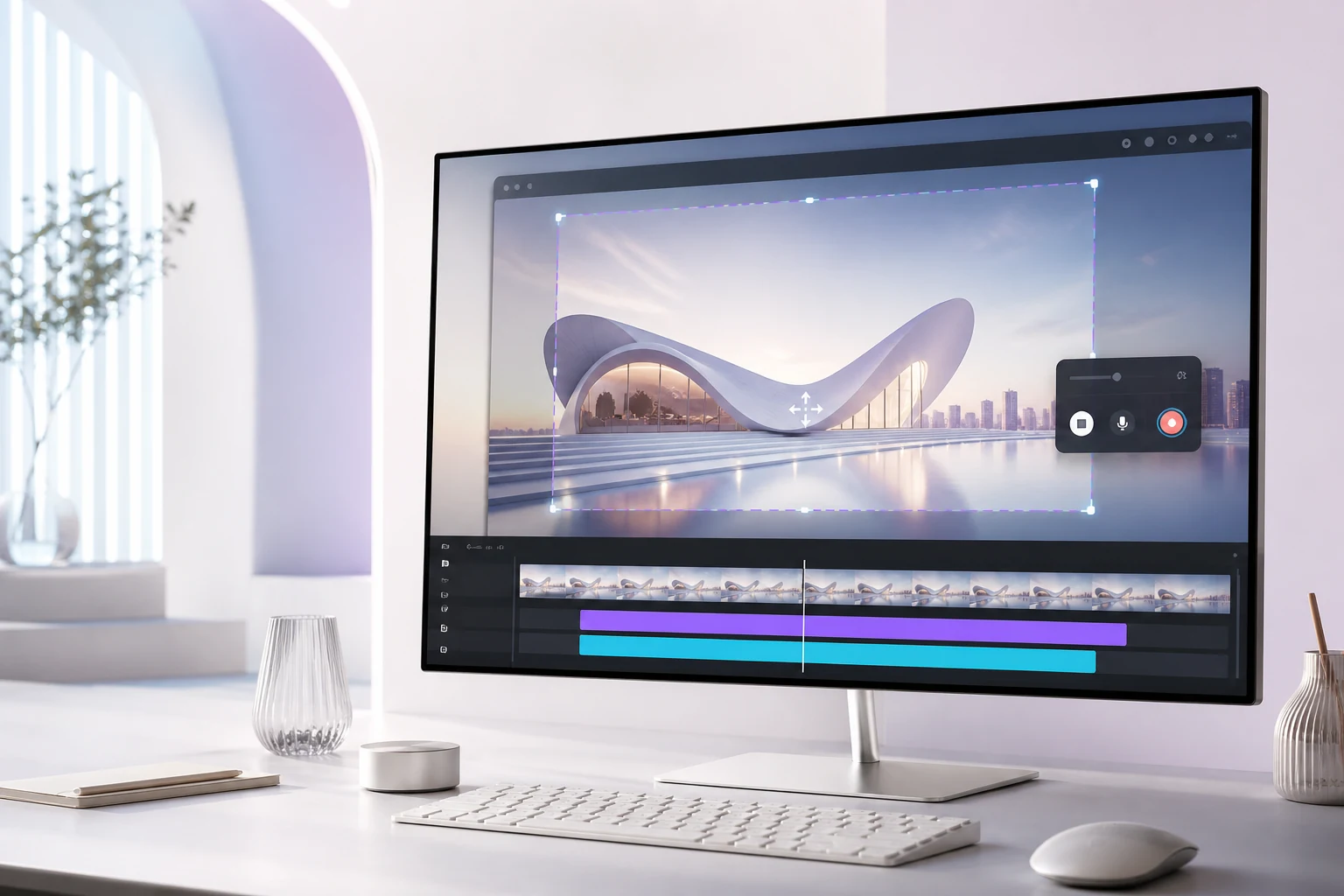
PiP Studio full-display and custom-area recording workflow on Windows
01

Full display or custom area, free and watermark-free

The selected area stays bright. When you stop, preview the result before saving or discarding it.
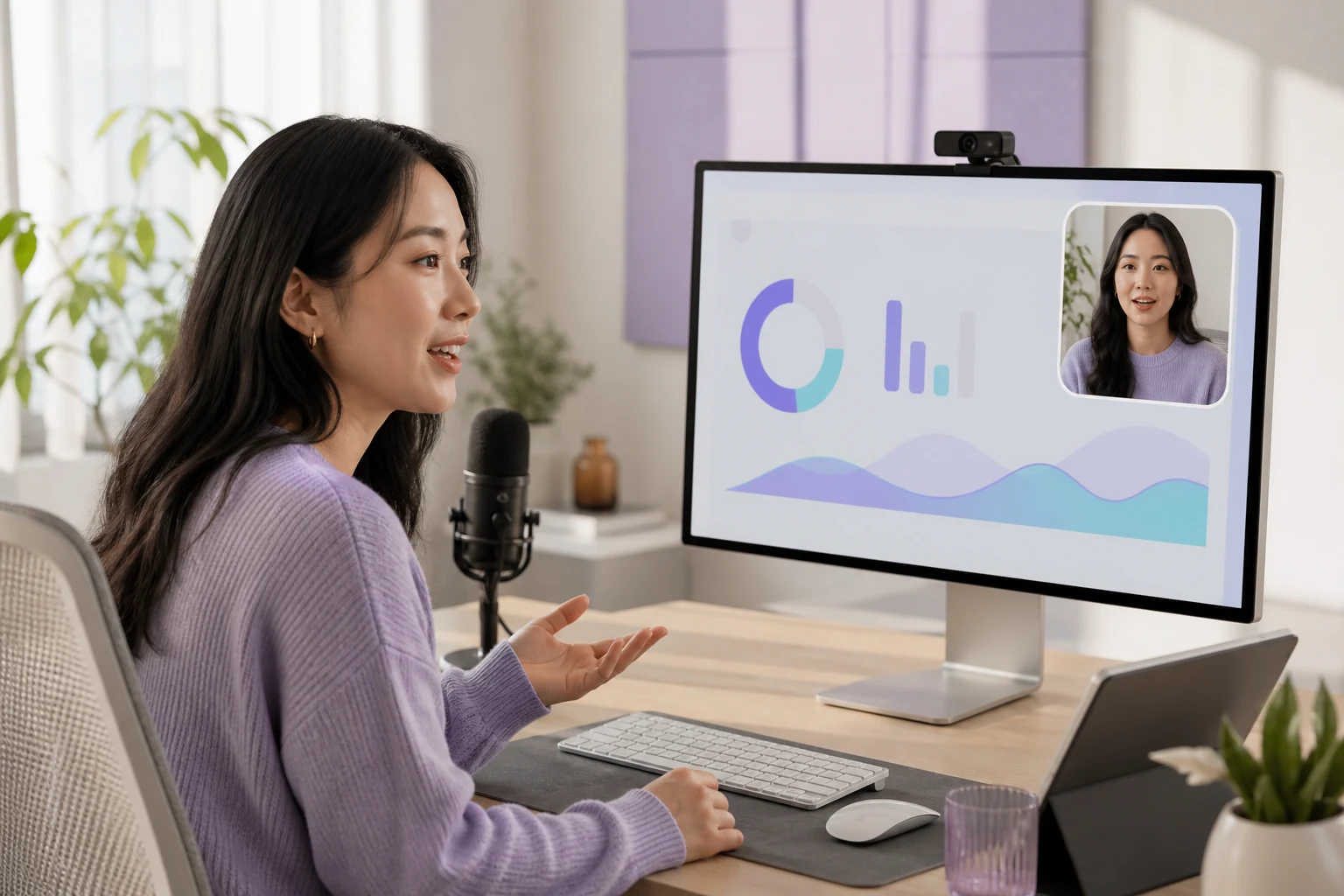
PiP Studio always-on-top camera overlay
02

Always-on-top camera overlay

Move and resize your camera so your explanation stays close to the content.
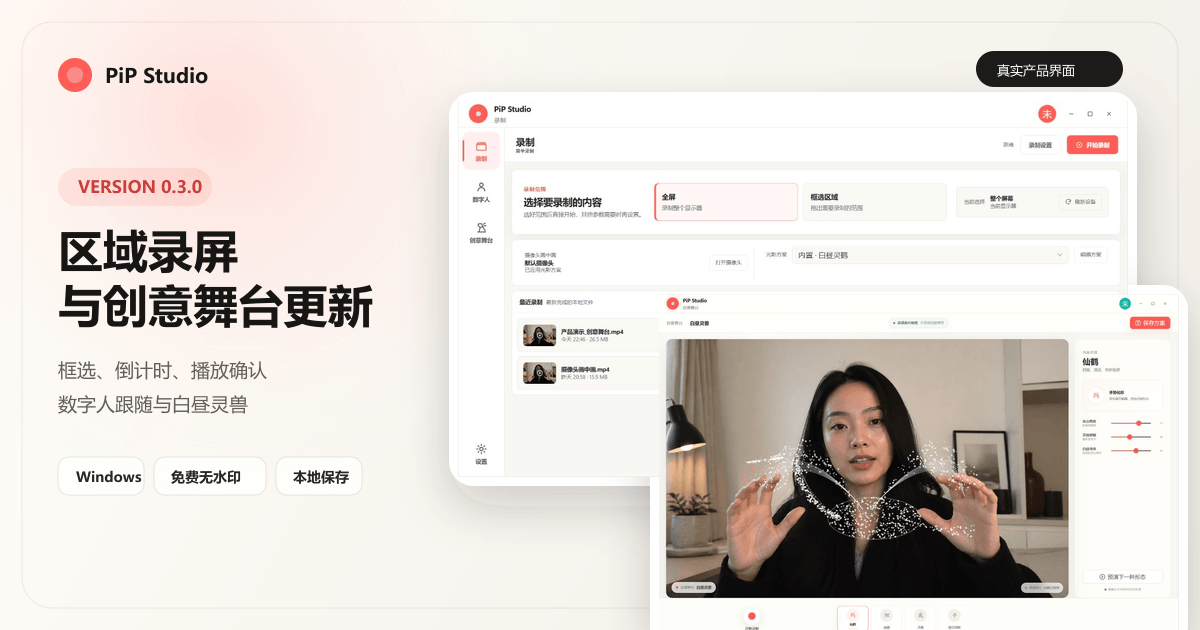
PiP Studio 0.3.0 gesture-controlled Daylight Spirits and custom-area recording
0.3.0 · Creative Studio

Bring a crane, koi, or deer to life with your hands

Adjust three clean, high-key gesture scenes, save them as presets, and select them later from Recording. Response varies with camera clarity, lighting, and device performance.

Read the 0.3.0 release notes
1Choose capture
2Set audio
3Review and save
03

An avatar that stays above your content

Compare avatar plans
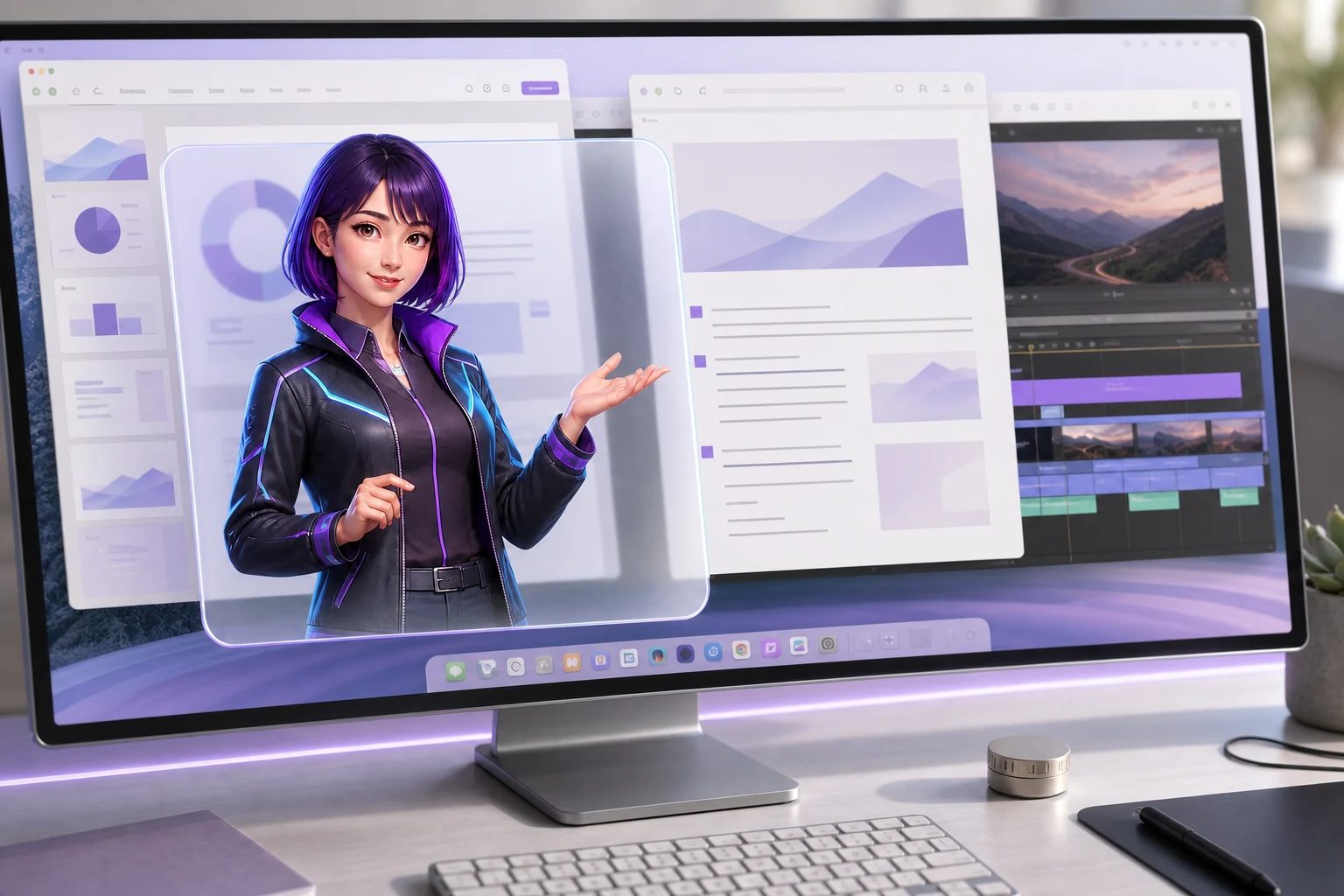
Transparent avatar overlay above a presentation and editing app

Move, resize, and reframe the transparent overlay. Your avatar stays close to the lesson, product demo, or course you are recording.

Transparent
Always on top
Resizable
Camera controls
Camera and motion processing on the local Windows device

Your raw camera view stays on your PC

Motion tracking runs on your device after the required resources load. Your recordings and raw camera frames remain under your control.

  • On-device tracking
  • Local recording
  • You choose what to keep

Open, adjust, and record

01
Choose captureFull display or custom area
02
Open an overlayAdjust the avatar or camera
03
Review firstPreview before saving

Start free, upgrade when your workflow grows

Core screen recording stays free. The Free plan includes three avatar sessions per month, up to 30 minutes each.

Free

¥0free forever

A practical free starting point

  • Full-display and custom-area recording without a watermark
  • 3 avatar sessions per month, up to 30 minutes each
  • Face and body tracking up to 20 FPS
Download free

Pro

CNY ¥168/ year

For frequent creators

  • All core recording and avatar features
  • Hand tracking, 30 FPS, advanced actions, and more lighting
  • Personal and commercial content use
Choose Pro

Lifetime

CNY ¥499one-time

One-time purchase

  • Everything in Pro
  • One purchase for the current major version
  • Ongoing feature updates
View lifetime plan

Make your next explanation easier to watch

For Windows 10 and 11. Core screen recording is free, with monthly avatar trials included.

Download PiP Studio